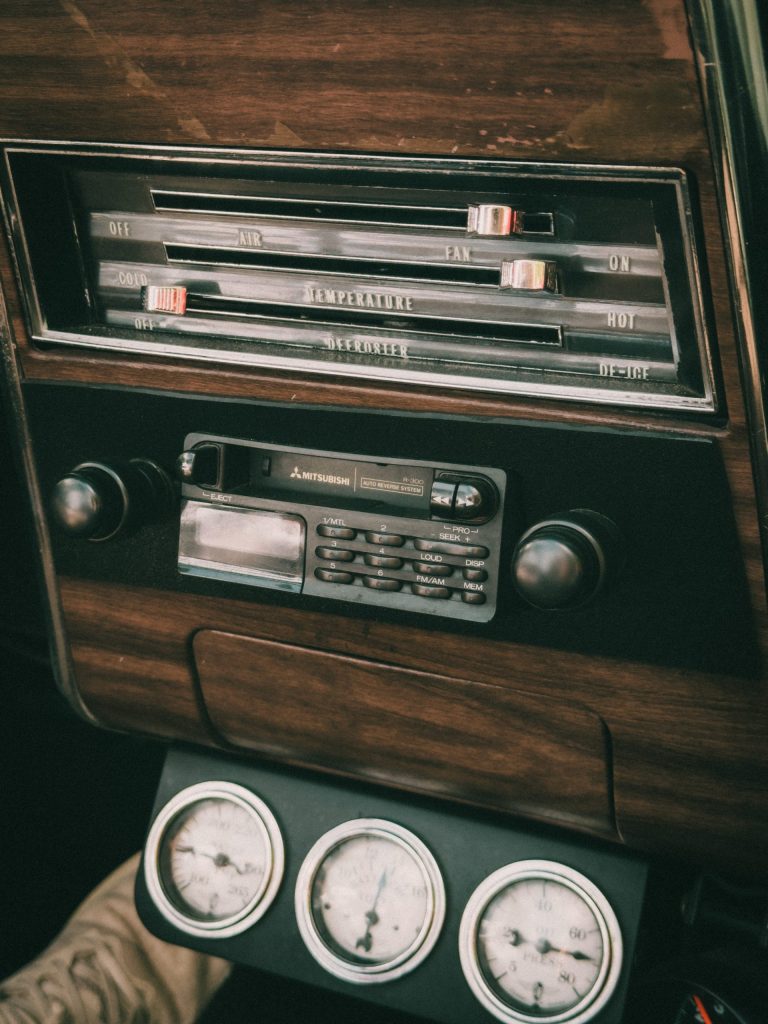
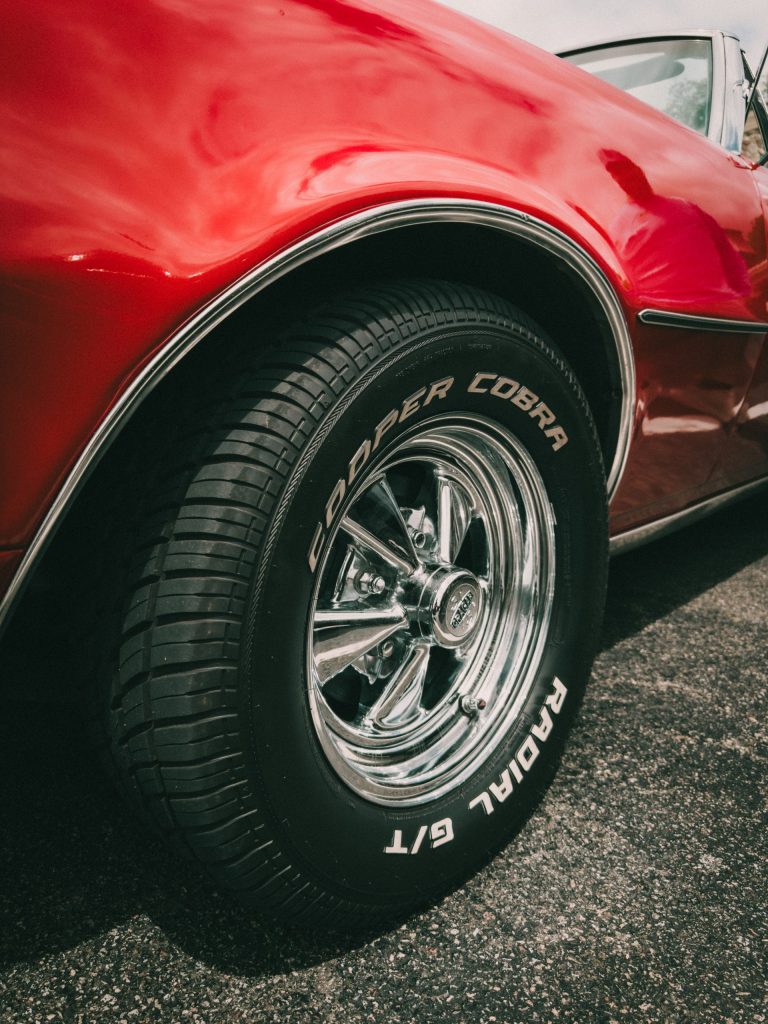
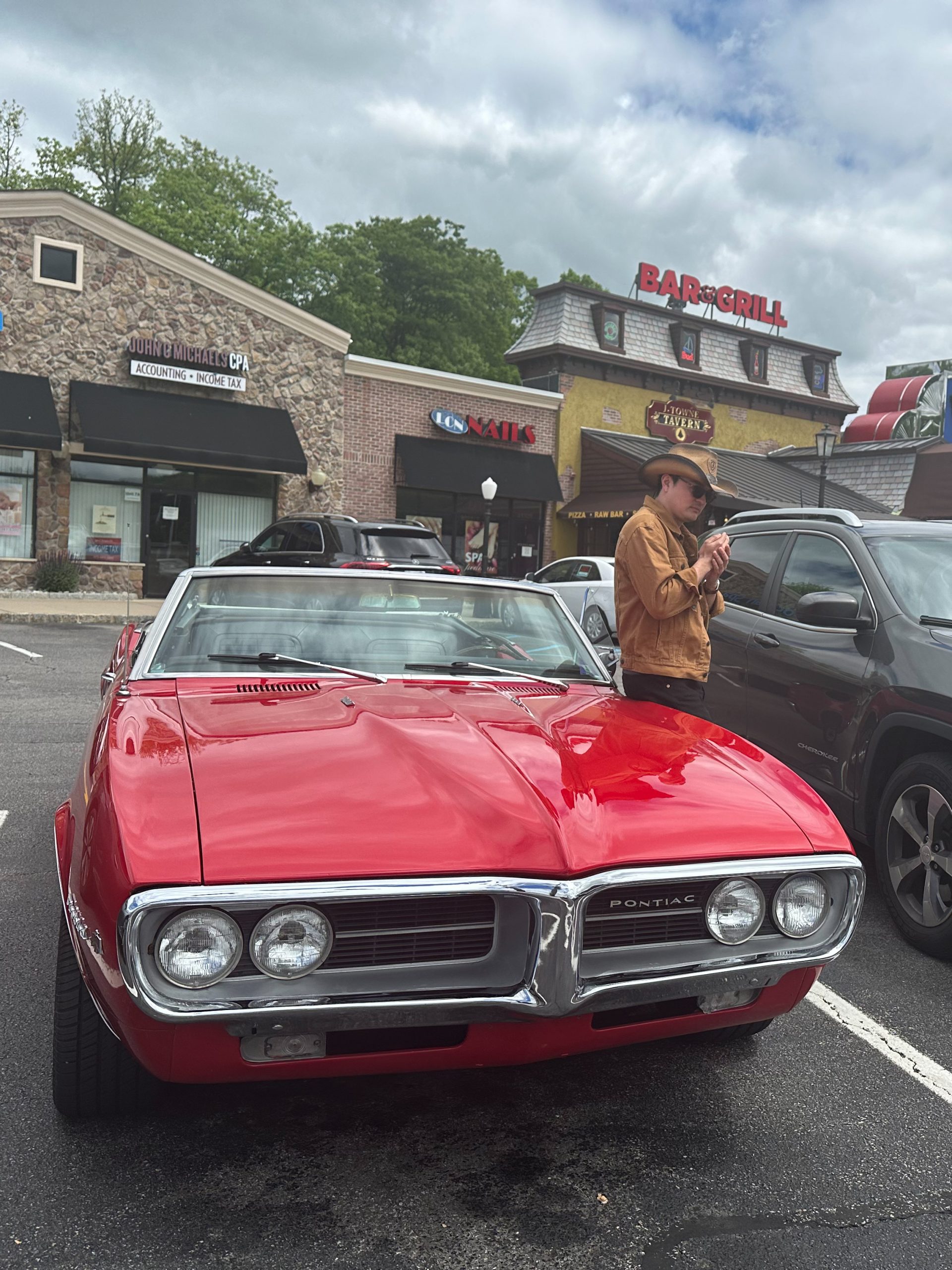
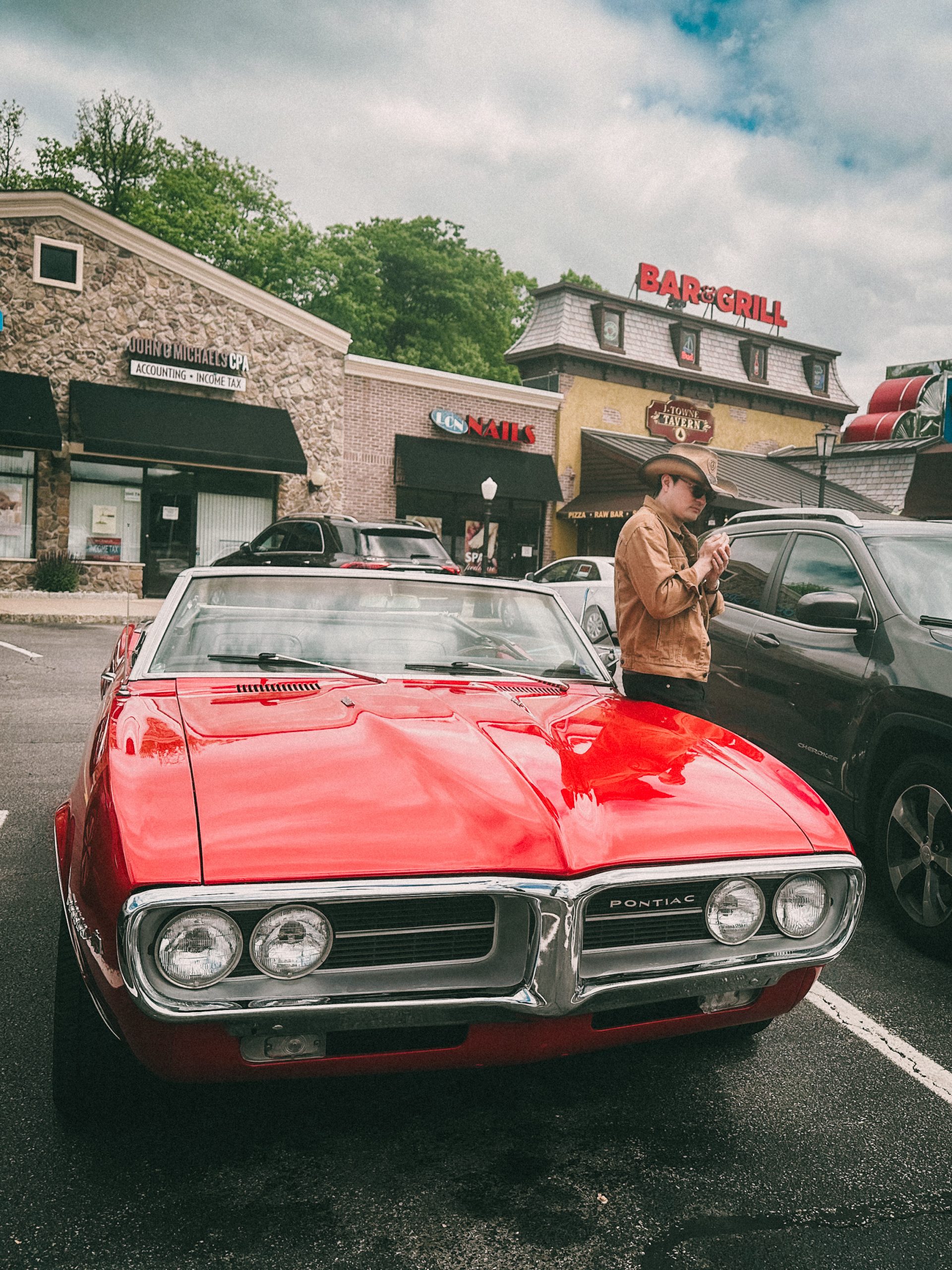
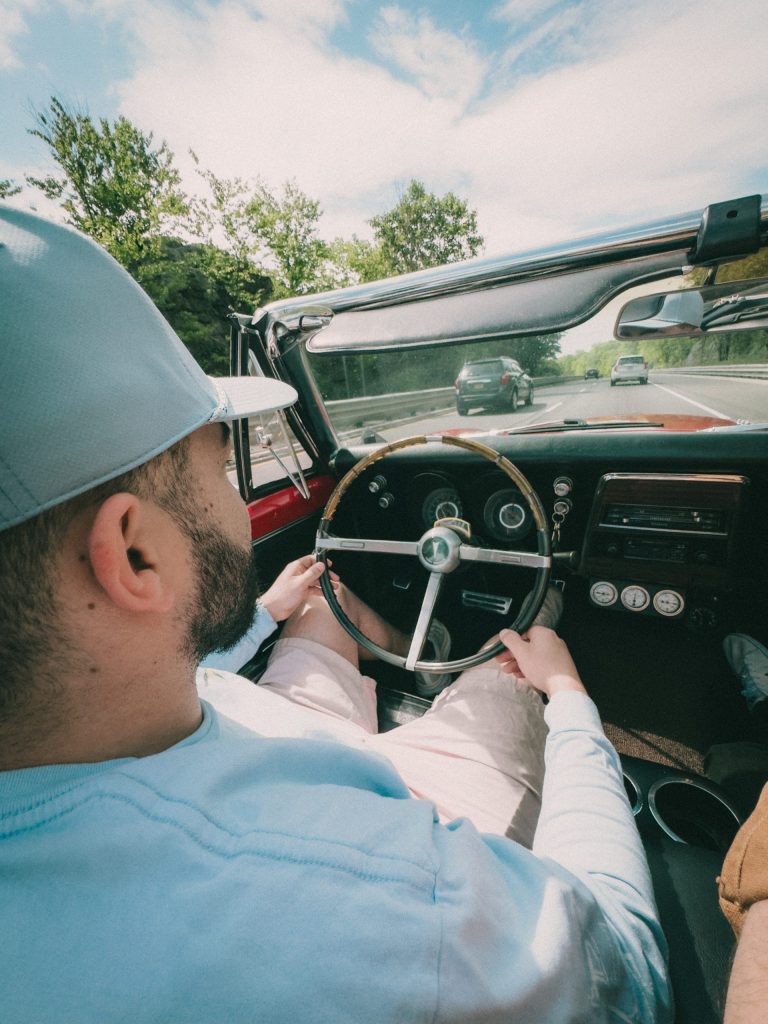
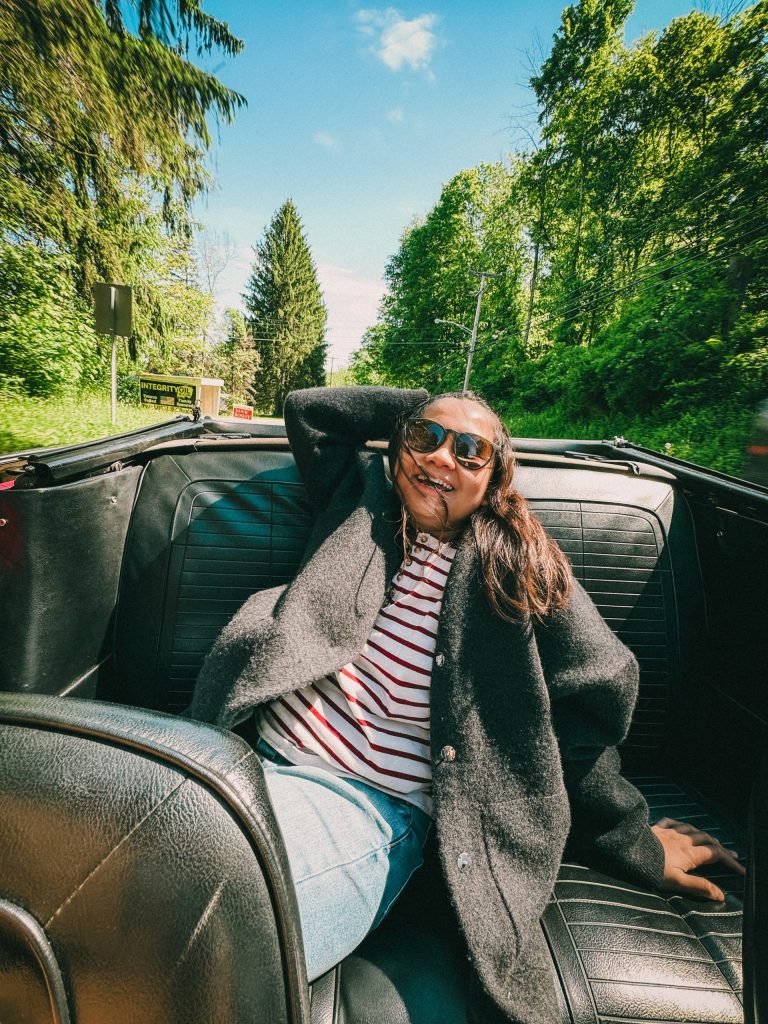
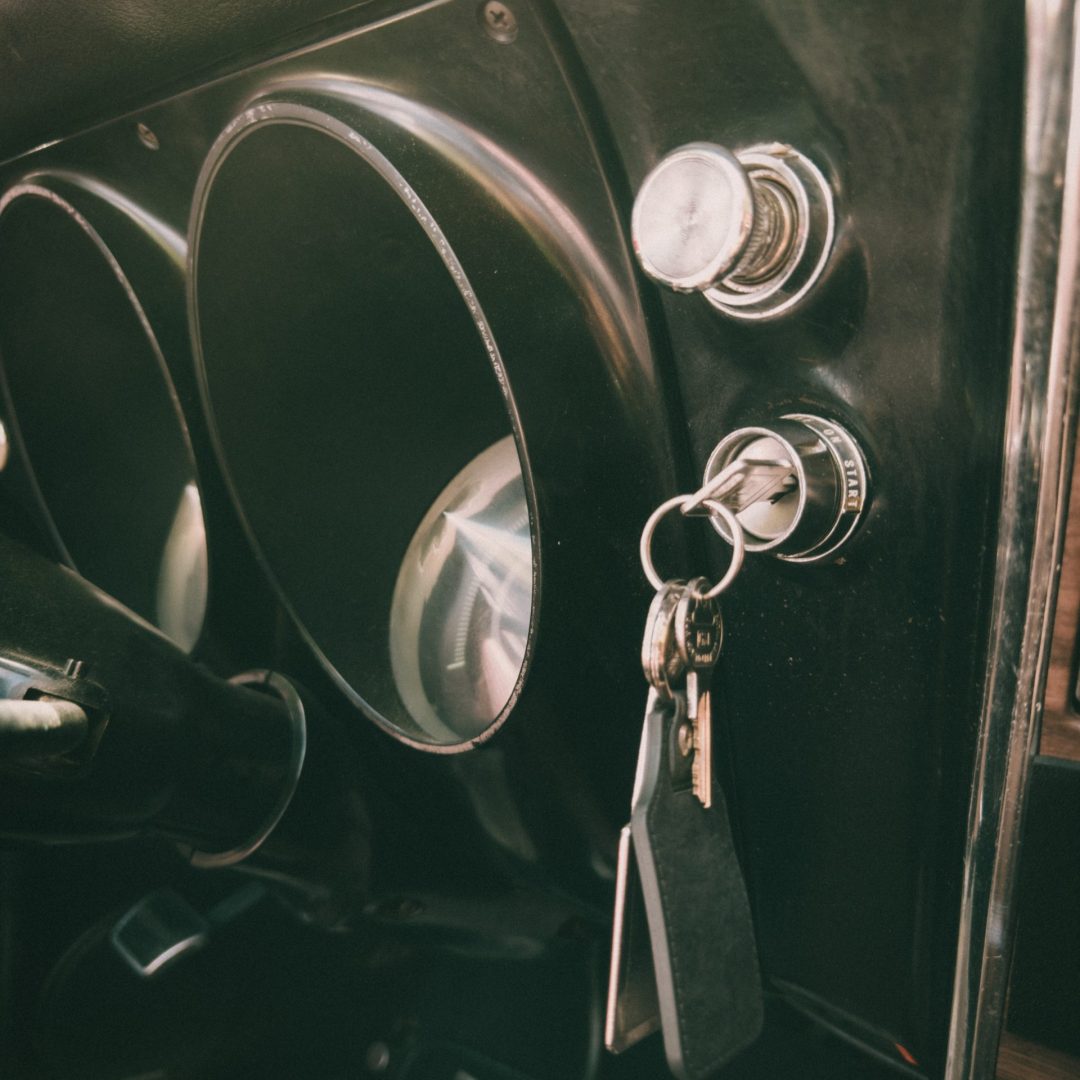
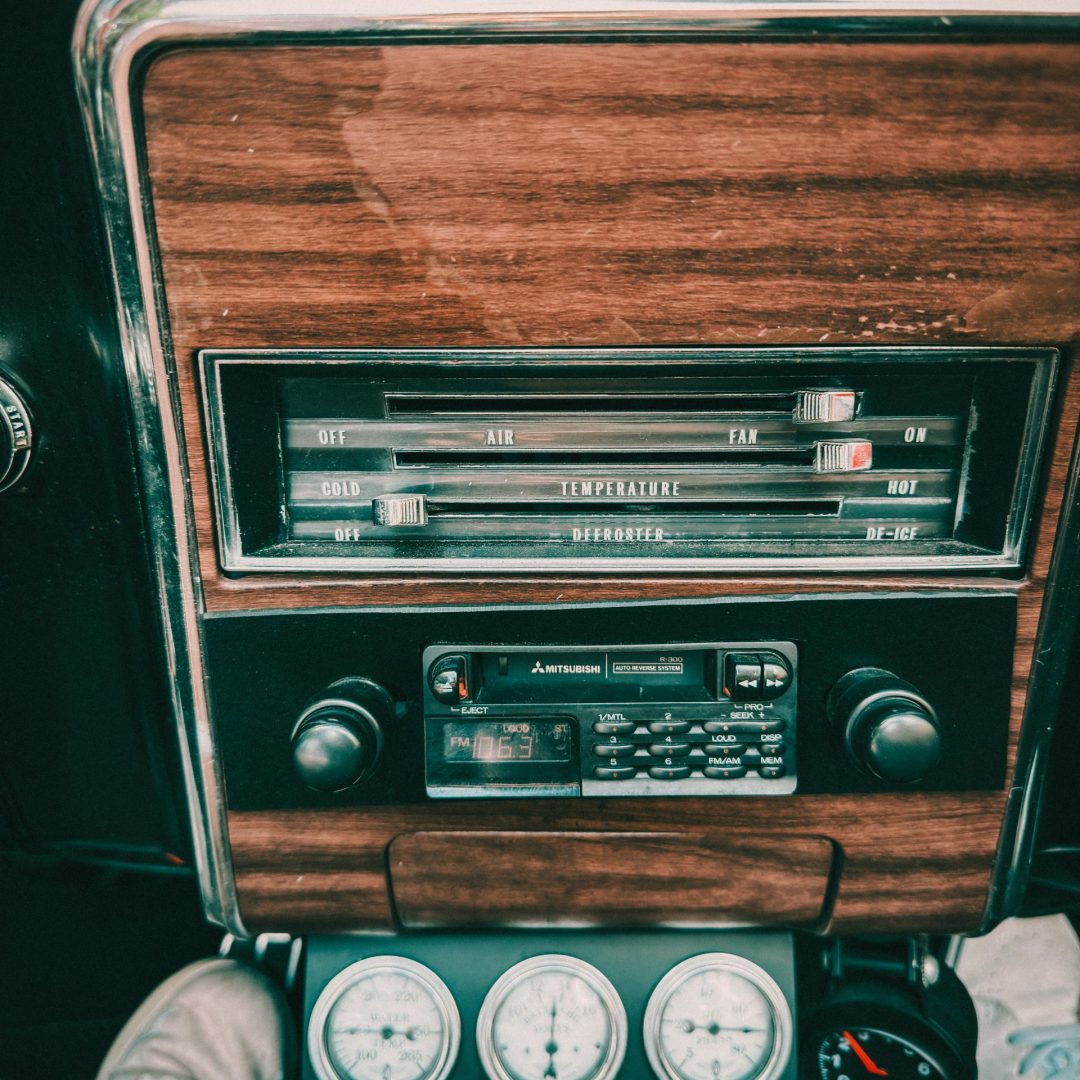
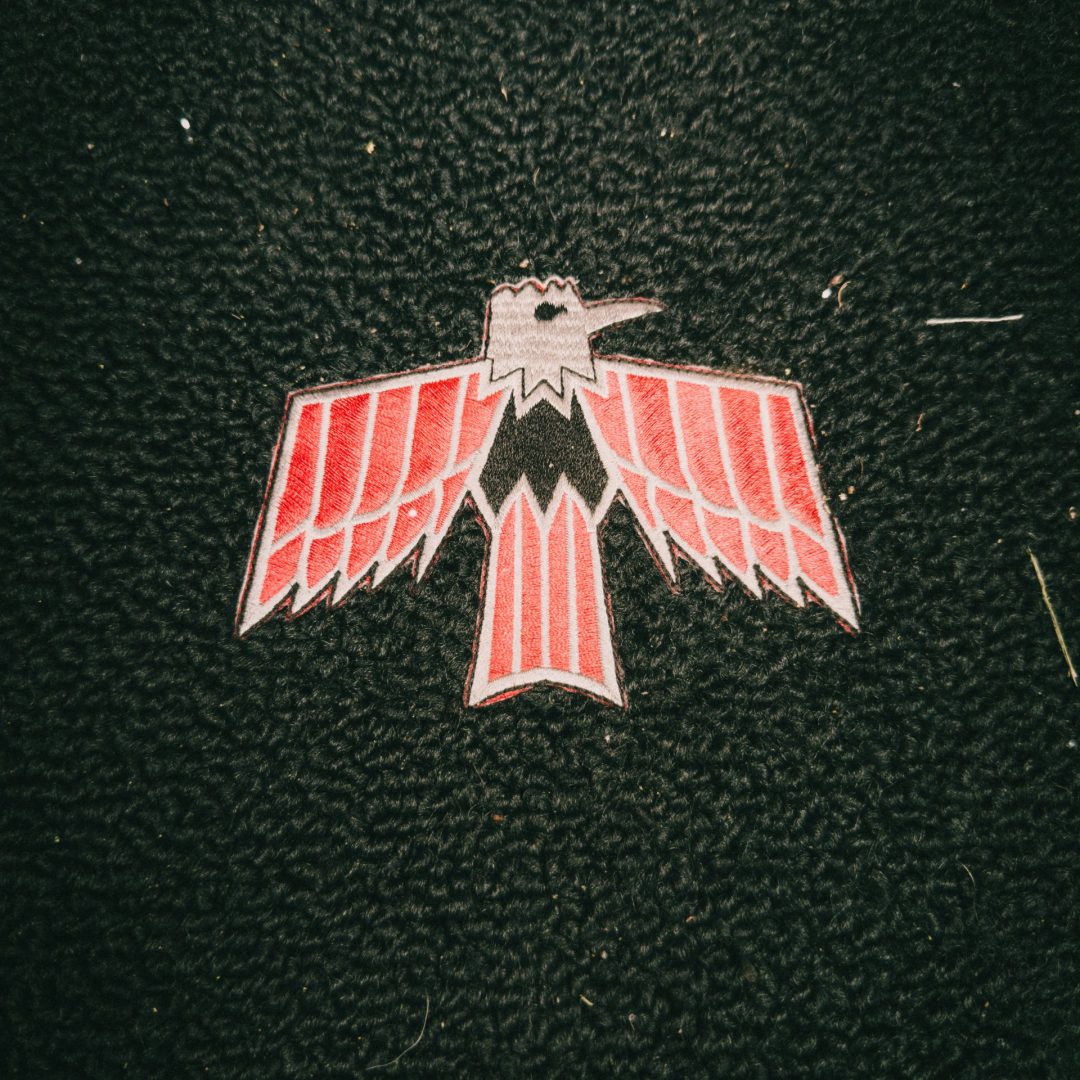
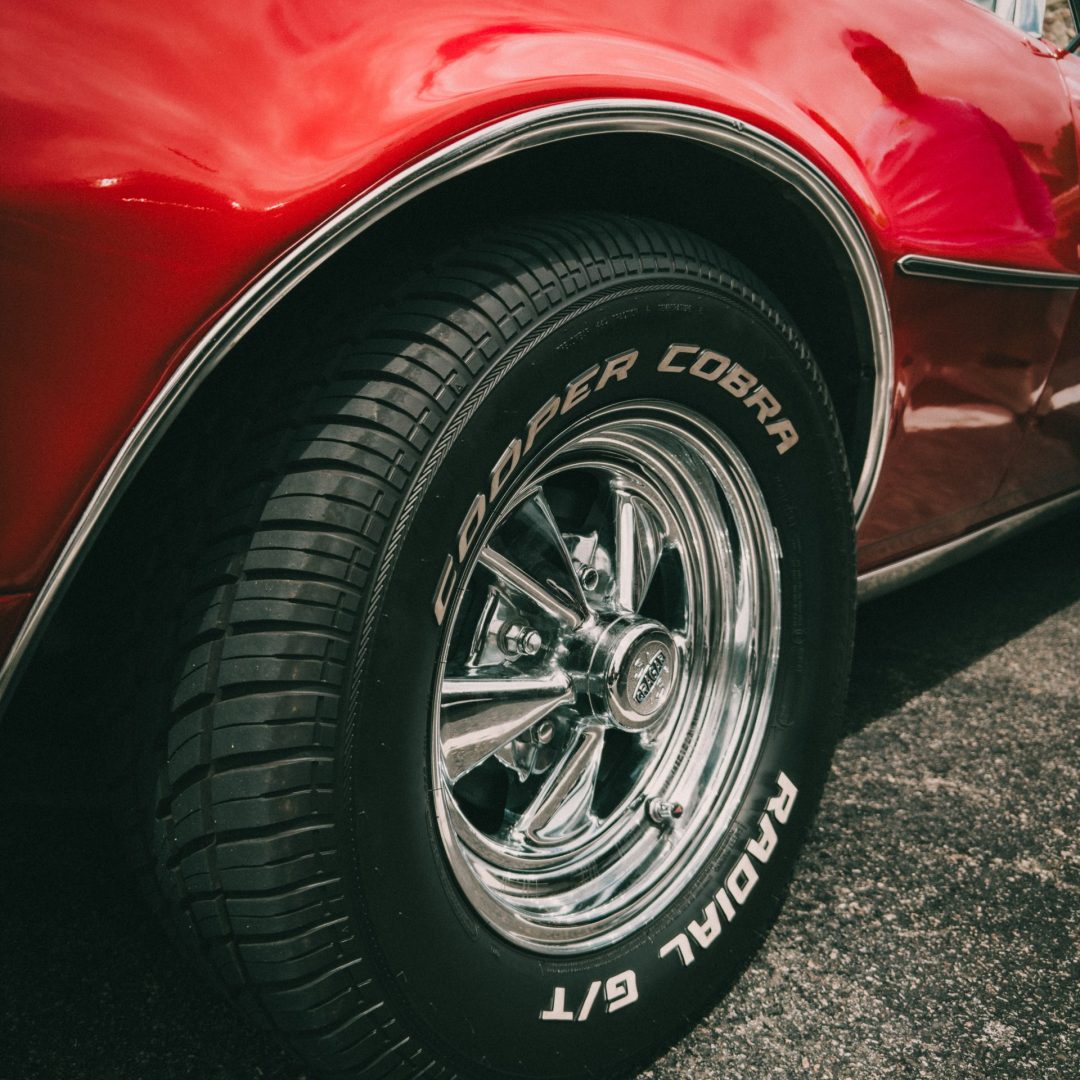
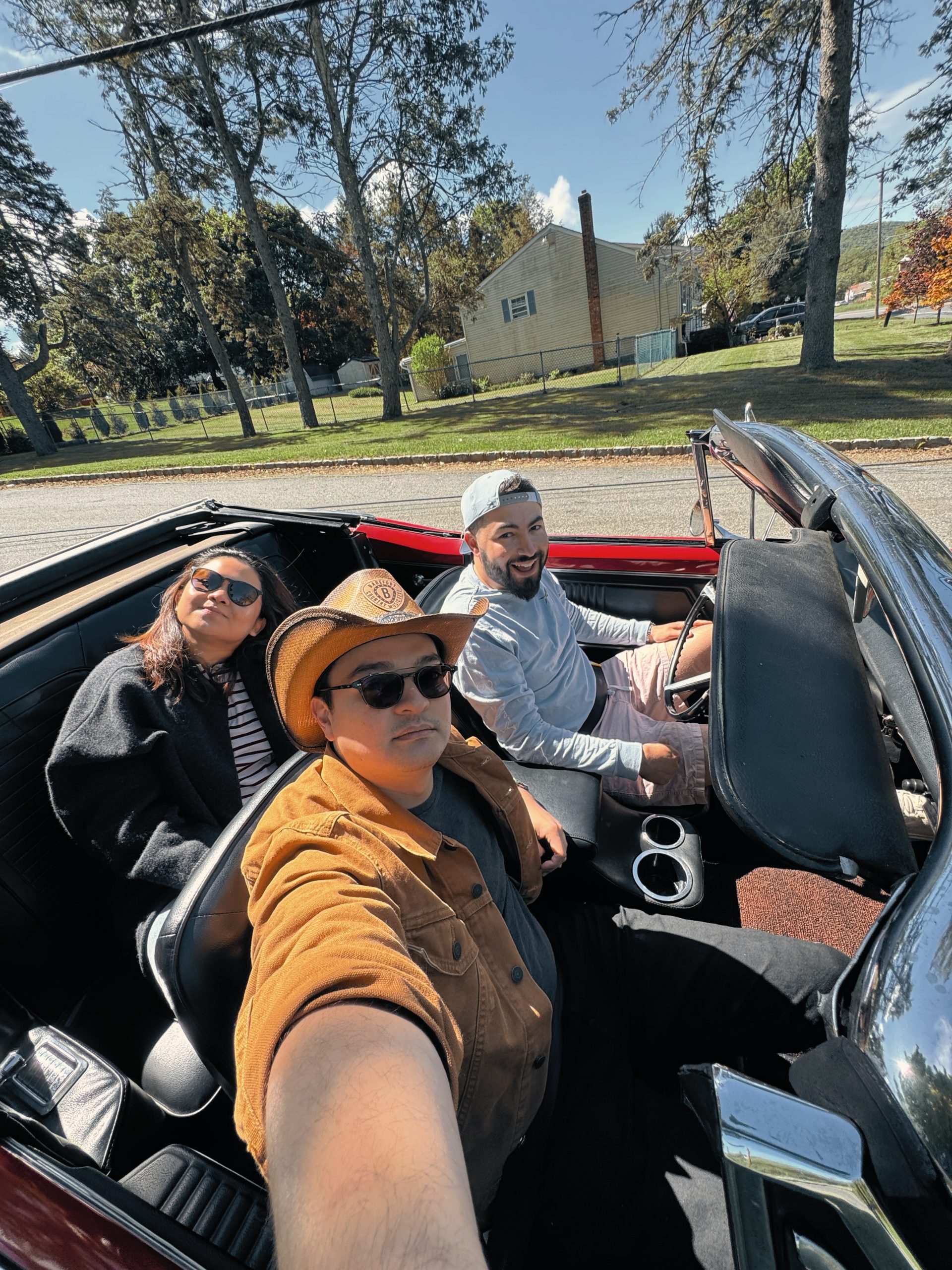
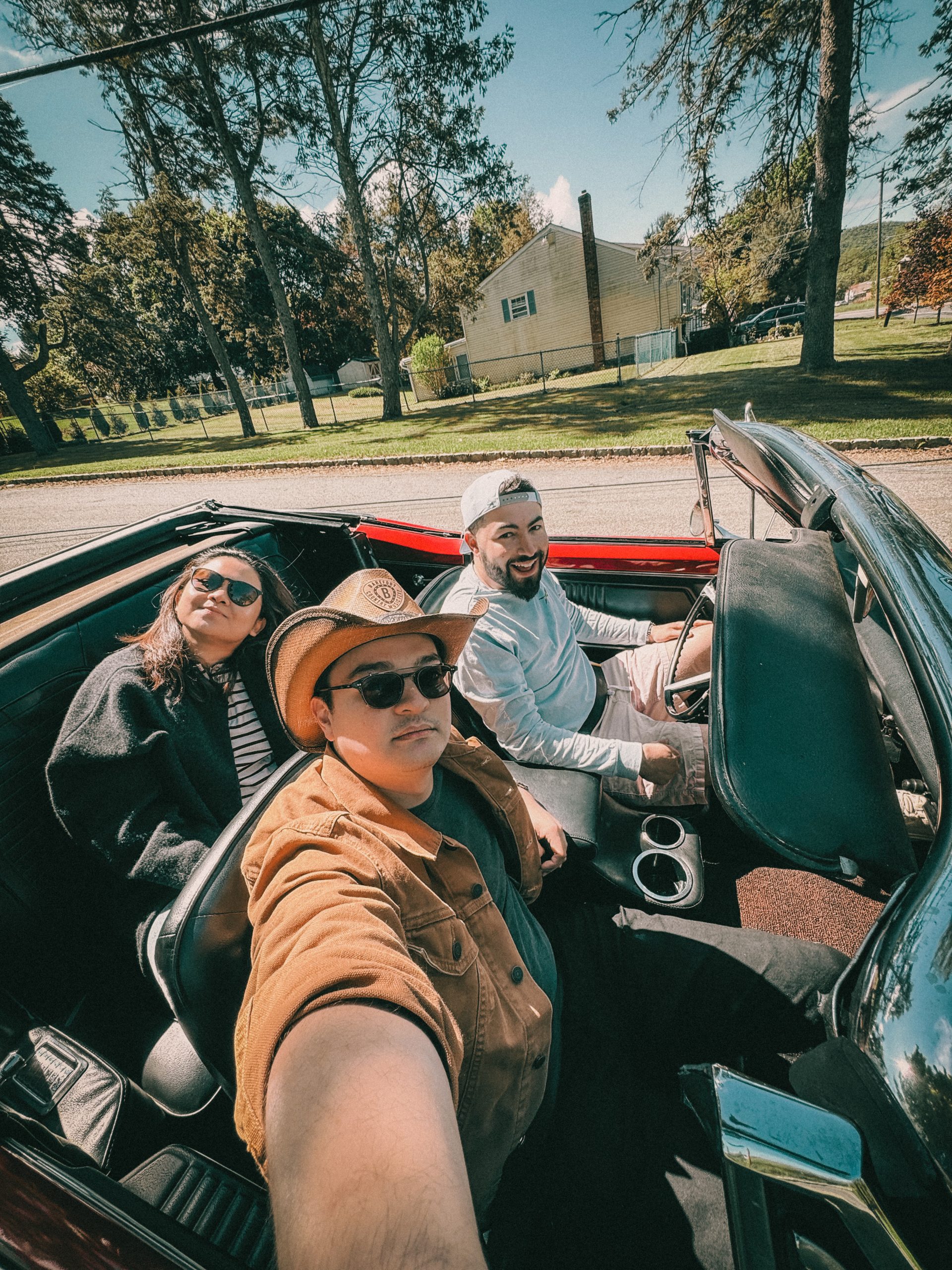
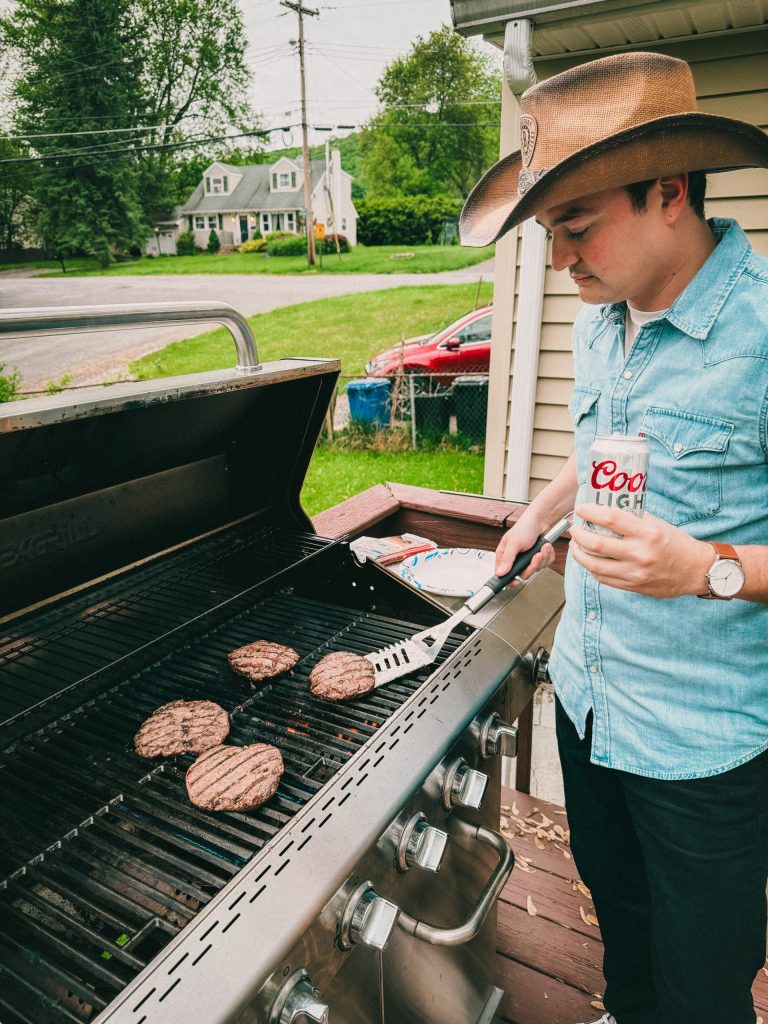
I also love lowering the overall saturation to mute the skin tones and then raise back the less saturated parts of the image by using the vibrance slider. For that epic silver chrome look, I went for a neutral white balance. Making sure the whites are properly balanced. I desaturated the highly exposed highlights and dark shadows. For the cherry on top, or Pontiac on top, I increase the reds saturation for that nice pop!
This preset works best for iphone users. Make sure you shoot something red as the main protagonist and protect the highlights. I had some overexposed shots and this presets just destroyed the whole image. But when dialing back the exposure slider, it all came back together.