Eypee’s Chroma Pontiac

July 18, 2026
July 18, 2026 eypee

Eypee’s Chroma Pontiac

Lightroom Preset for iPhone

This preset is made for all iphone users. Just snap your shot with the normal iphone cam, drop into lightroom and apply my preset. Bam! 🔥

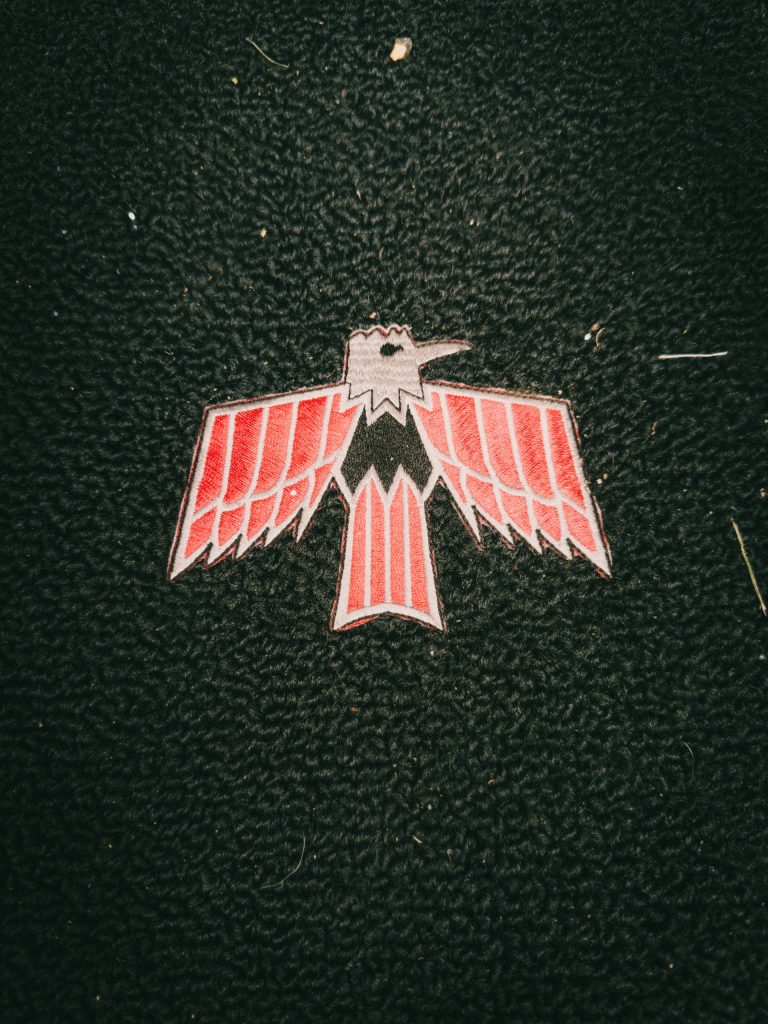
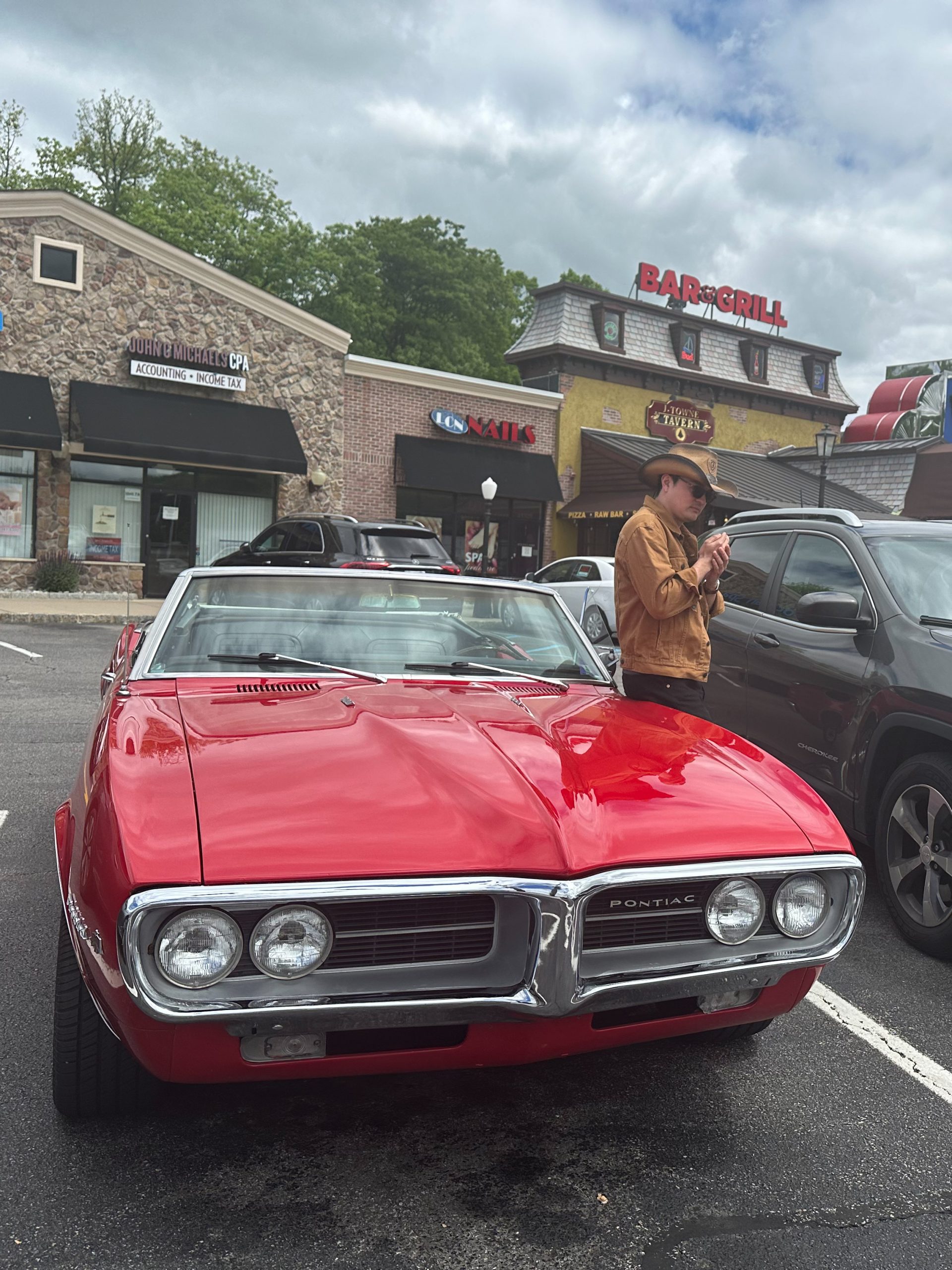
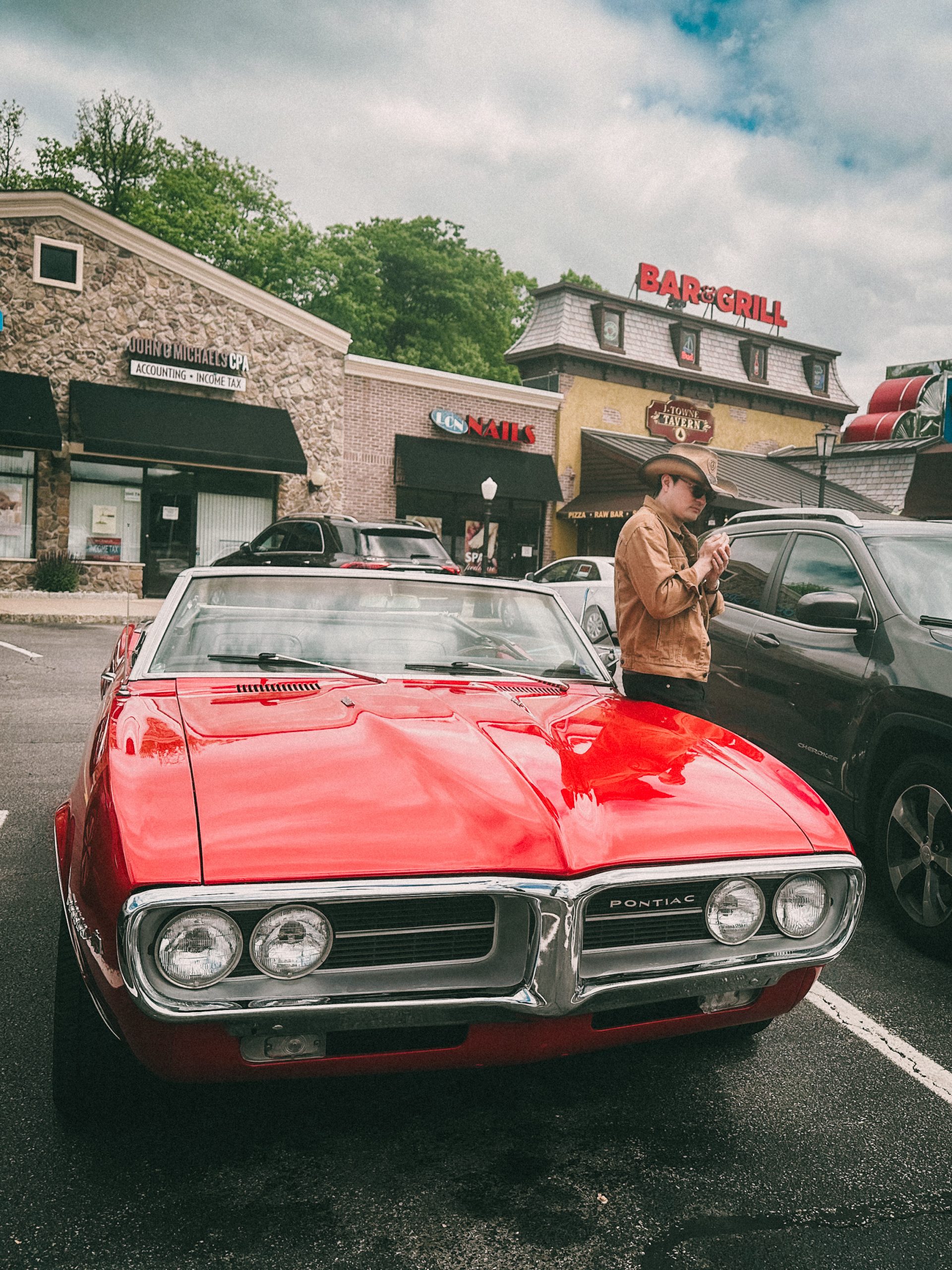
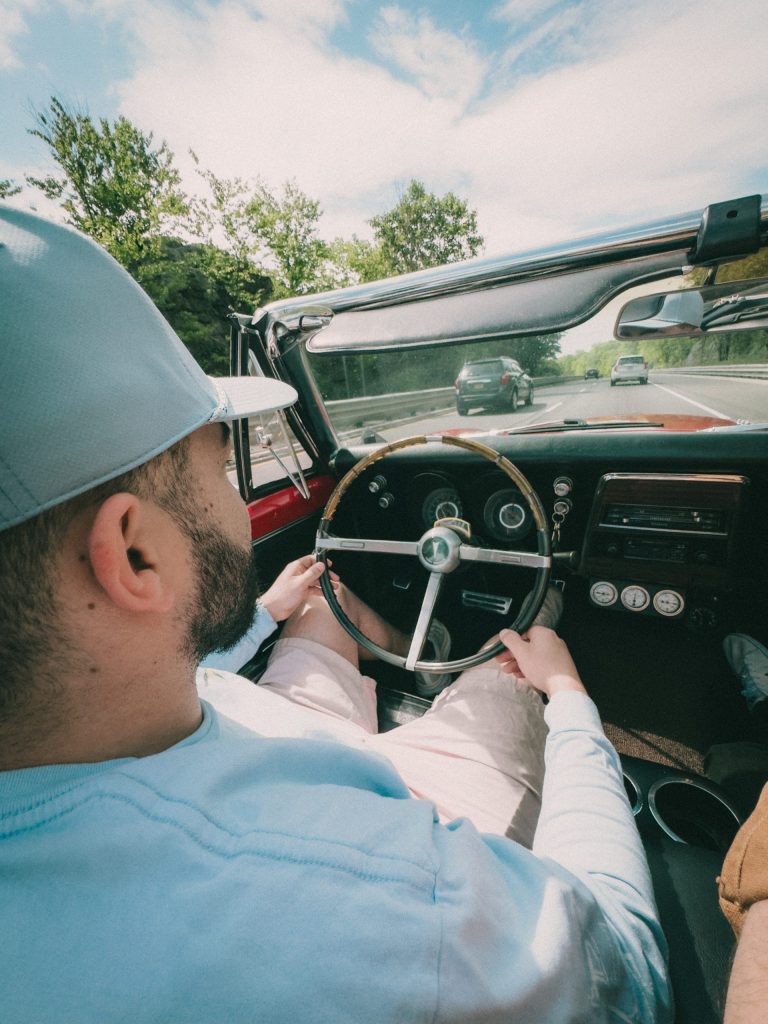
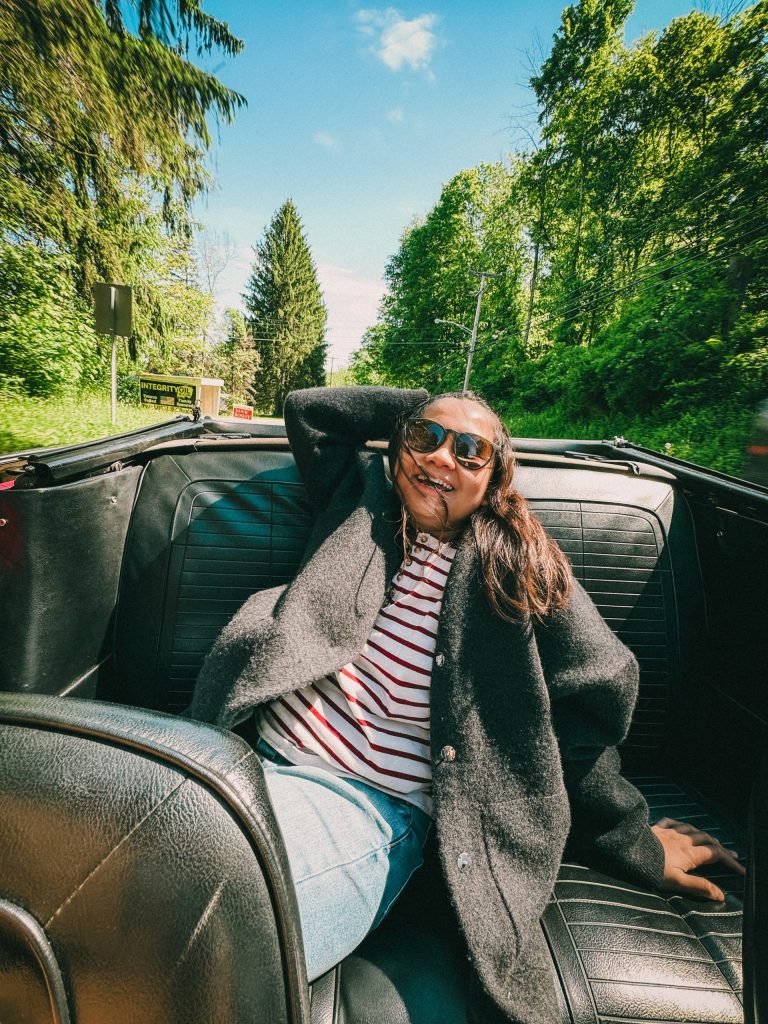
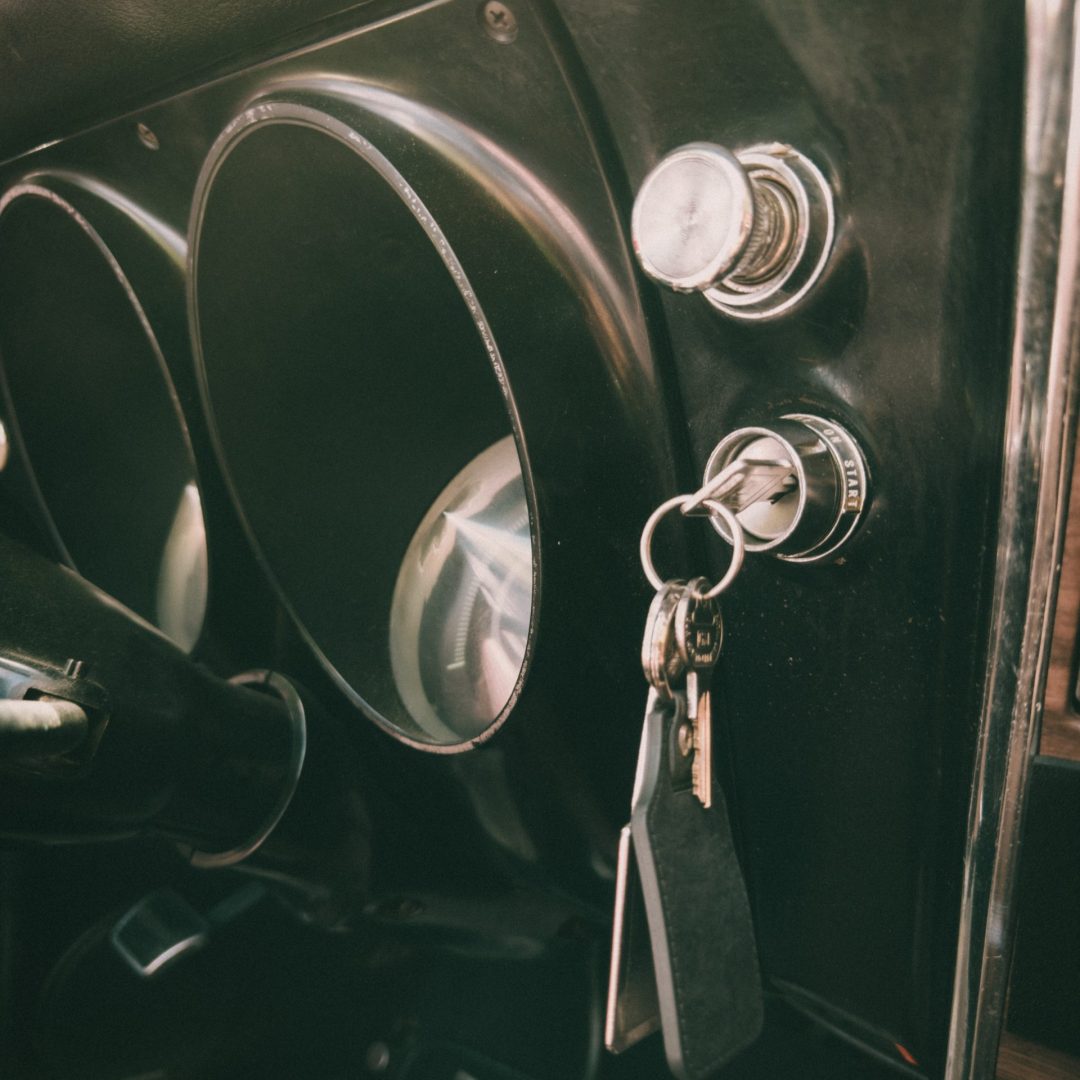
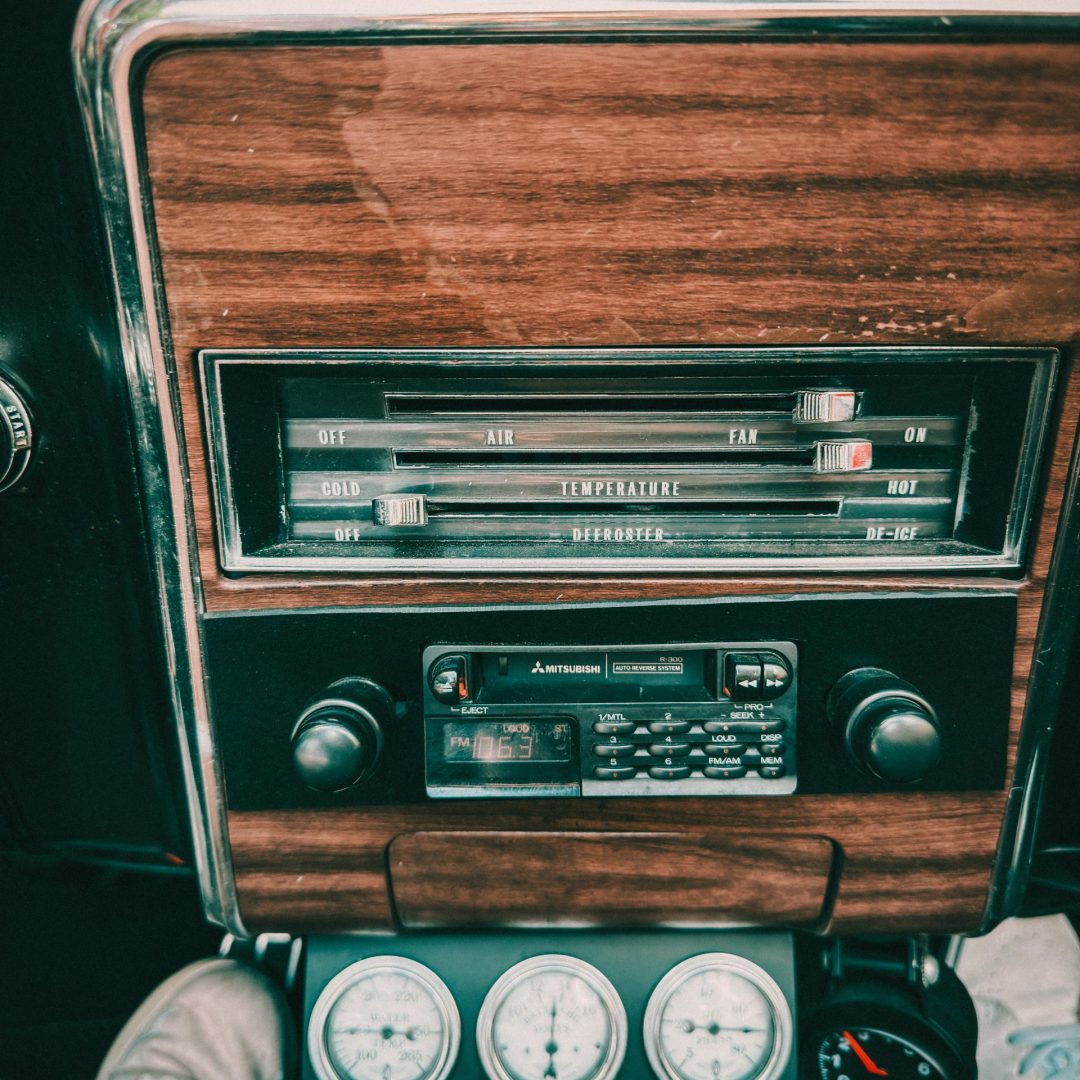
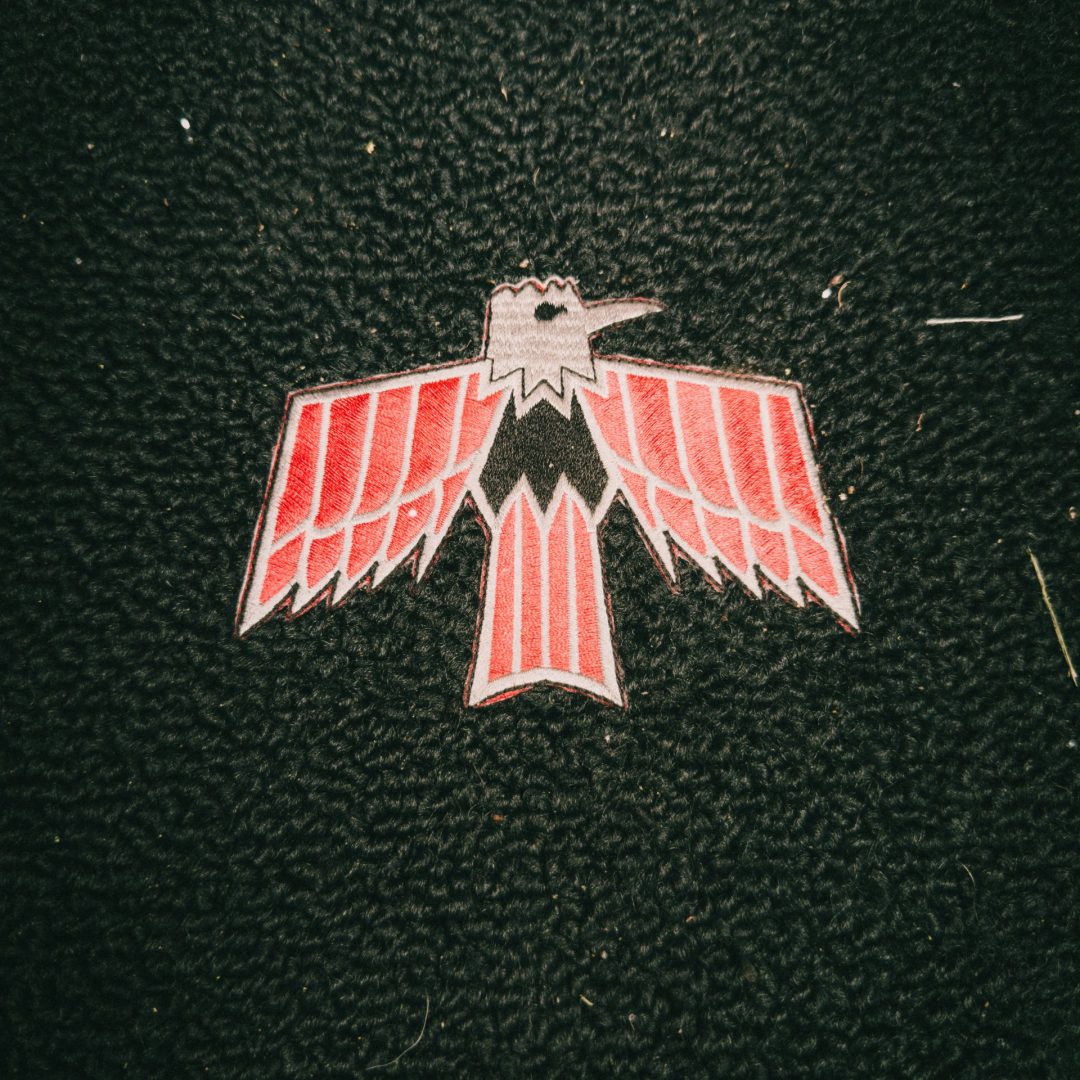
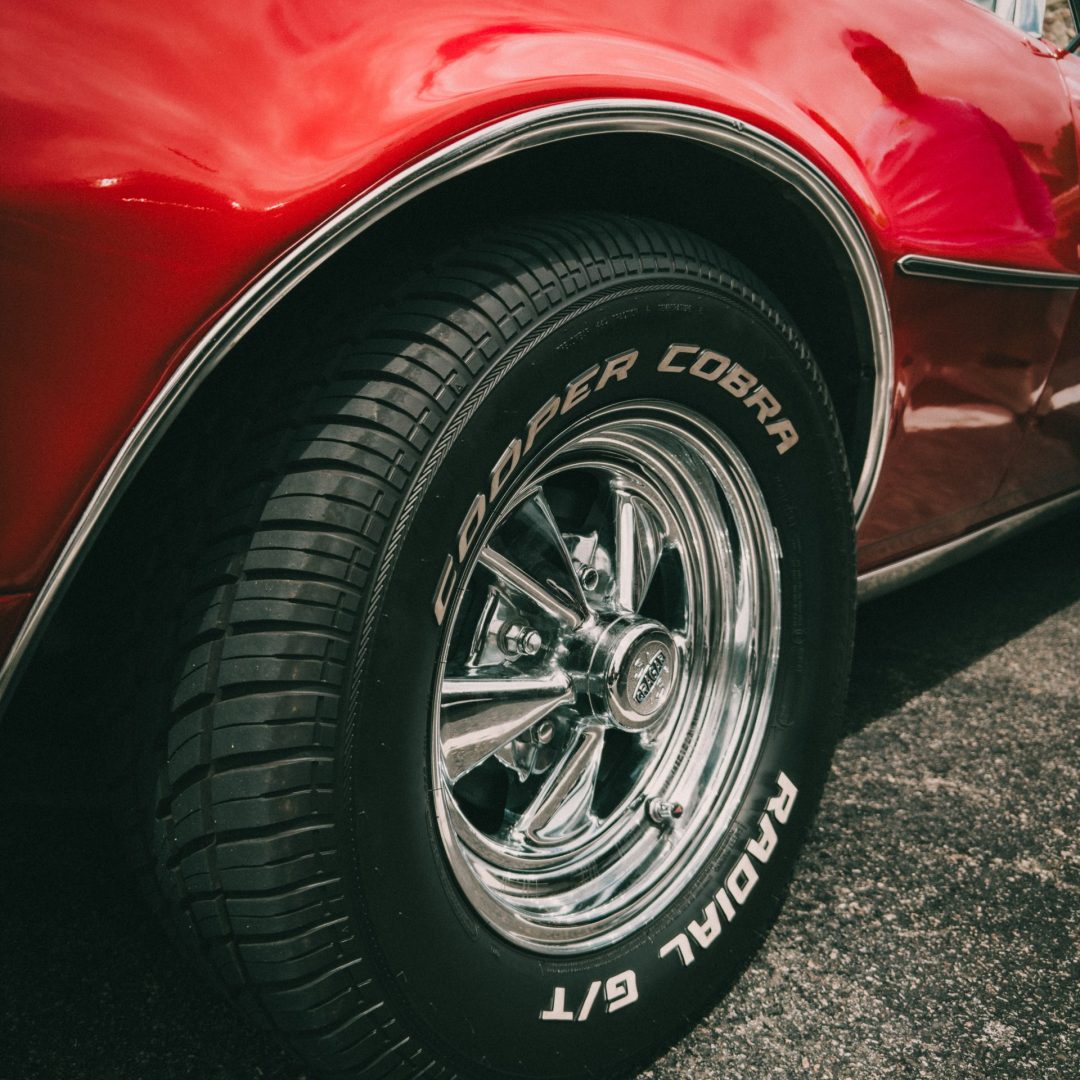
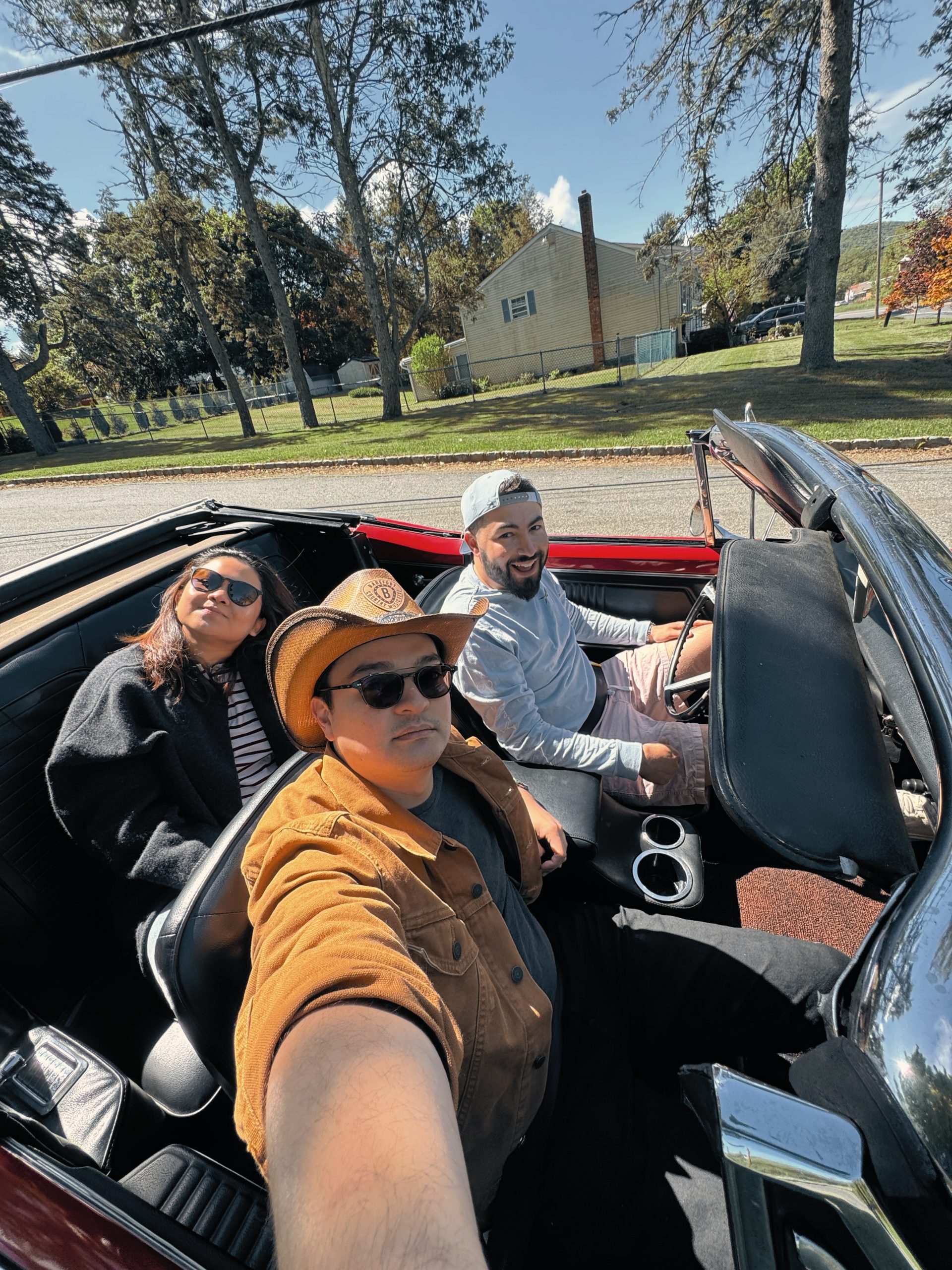
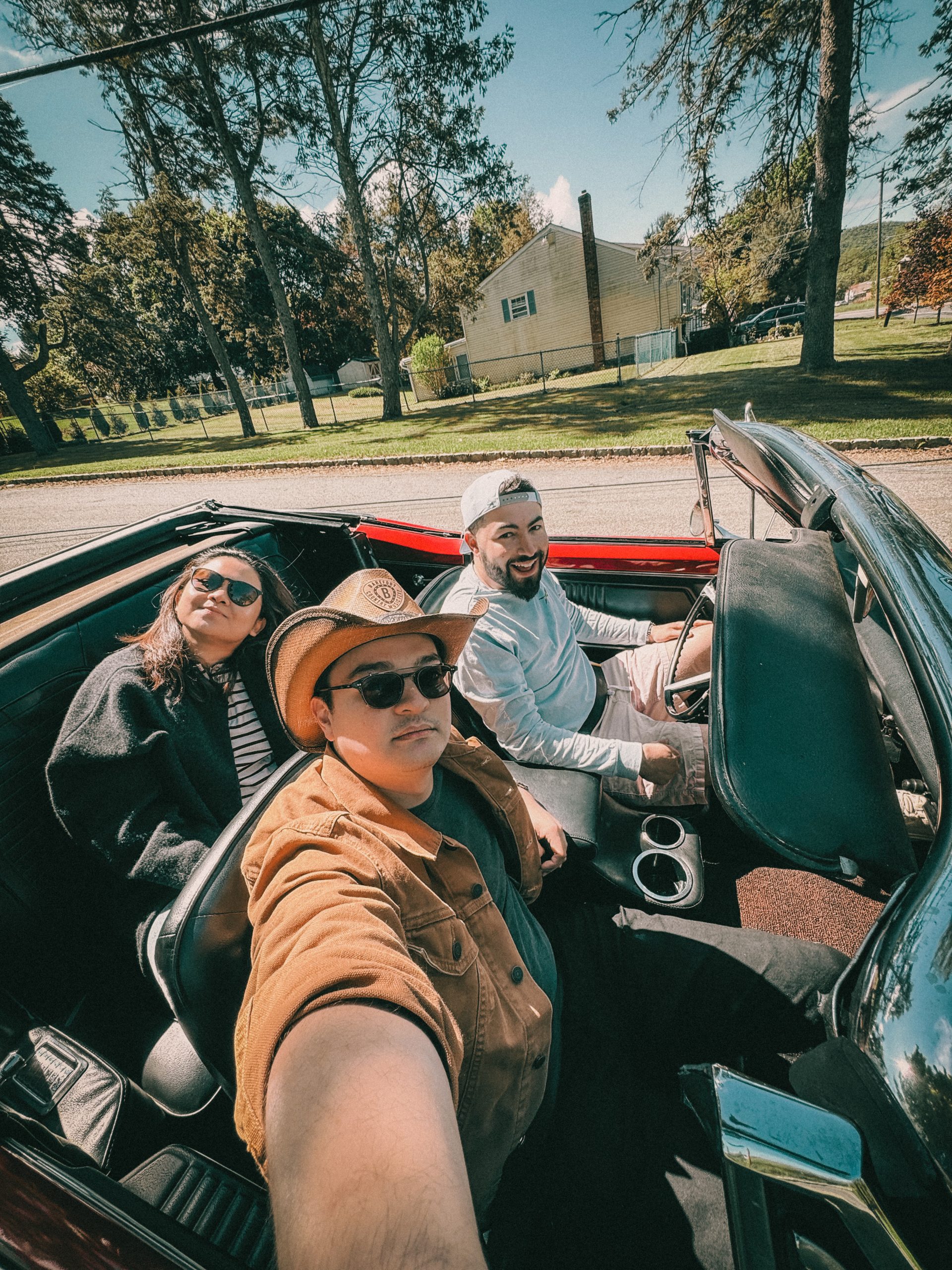
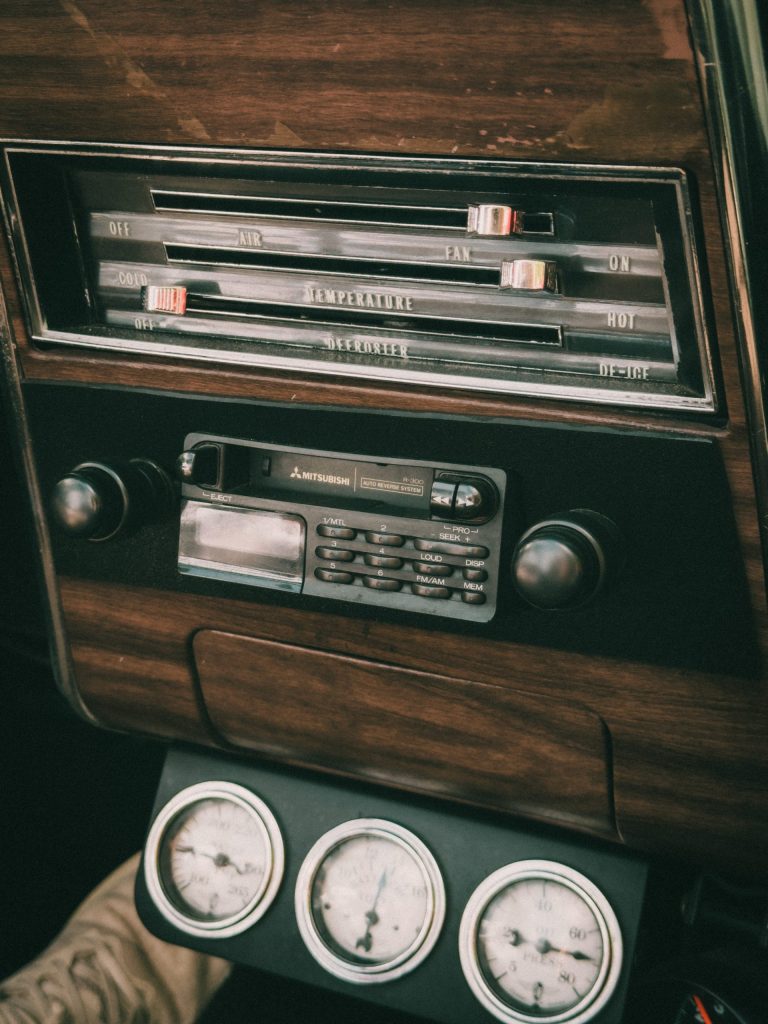
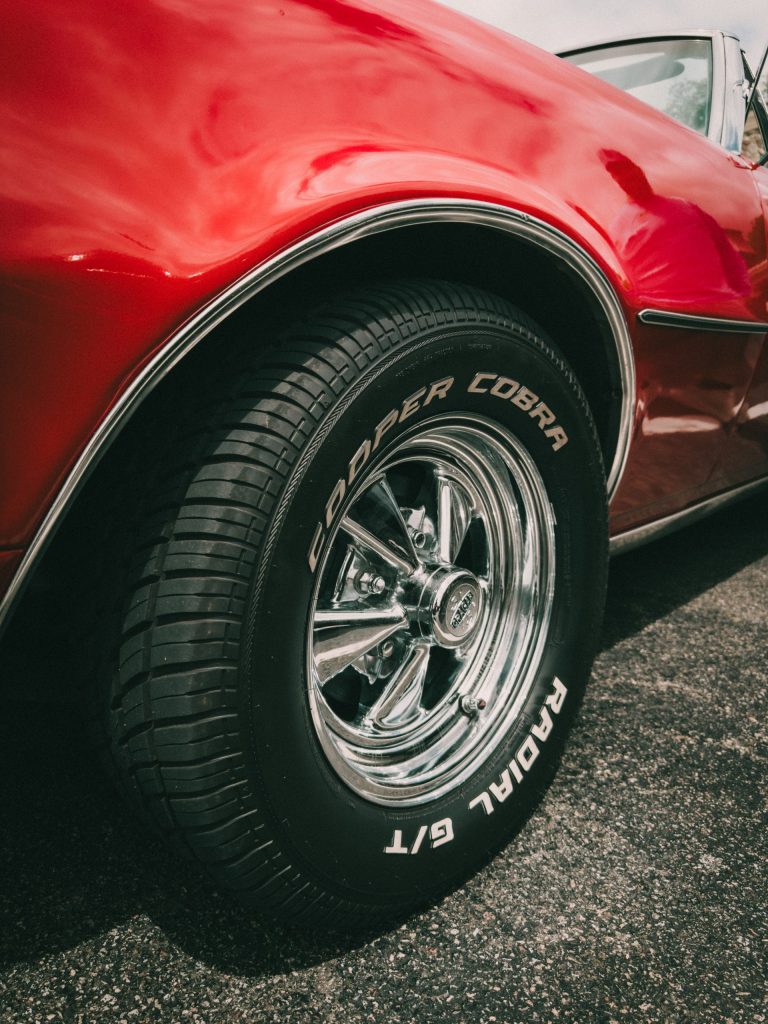
Fierce fire red, silver chrome and vintage style contrast! That’s how I imagined these photos of my friends epic 1967 Pontiac Firebird! Unfortunately I only had my iphone with me. This wouldn’t let me down though, cause I got that vision in my head and I got to work. A few close ups, a wide angle of me pretending to smoke and we’re set!

For this look, I crushed the shadows but pulled up the black point. The RGB curve adjustments are key here. For the reds and greens, Raised shadows and lowered highlights, but the opposite for blues: lowered shadows and raised highlights. This gives us that warm nostalgic look that we just can’t get any other way. 

Before After

I also love lowering the overall saturation to mute the skin tones and then raise back the less saturated parts of the image by using the vibrance slider. For that epic silver chrome look, I went for a neutral white balance. Making sure the whites are properly balanced. I desaturated the highly exposed highlights and dark shadows. For the cherry on top, or Pontiac on top, I increase the reds saturation for that nice pop!

This preset works best for iphone users. Make sure you shoot something red as the main protagonist and protect the highlights. I had some overexposed shots and this presets just destroyed the whole image. But when dialing back the exposure slider, it all came back together.
Why not visit Ryan’s Firebird’s very own instagram page! He rents it out for weddings and events:

@birdiethecar

Before After
Donate

Thank you for your donation!

If you like my work, please feel free to buy me a coffee while I continue to cook more recipes and presets <3